
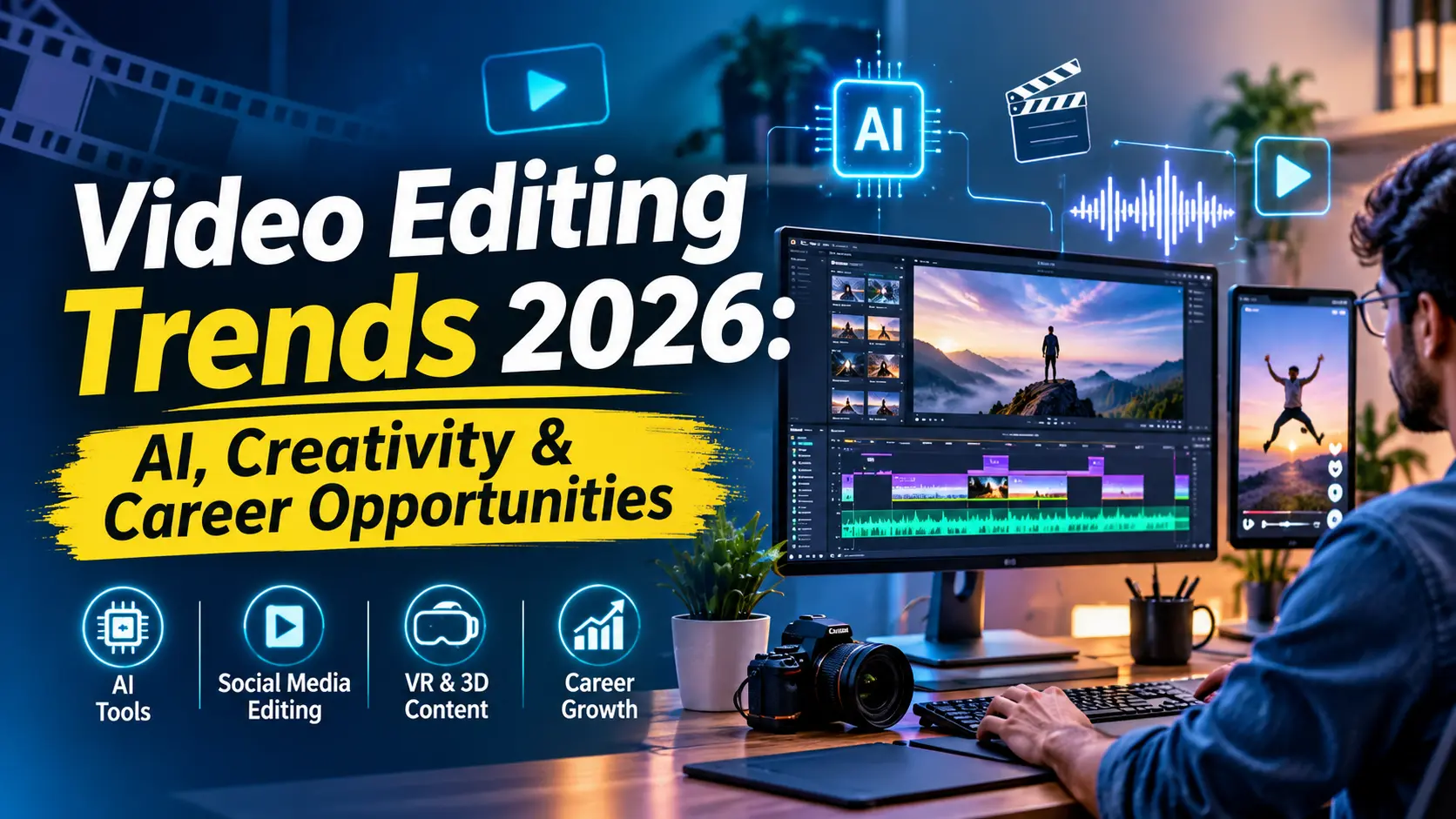
Video editing has become much more than cutting clips and adding transitions. Today, businesses, content creators, advertising agencies, and digital marketers rely on engaging video content to connect with their audiences.
With the growth of artificial intelligence (AI), short-form video platforms, motion graphics, and immersive media, the video editing industry is evolving rapidly. Modern editors are expected to combine technical knowledge with creativity, storytelling, and an understanding of audience behaviour.
In 2026, learning video editing is not just about mastering software. It is about understanding how to create meaningful, visually engaging content that captures attention.
Whether you are a student, beginner, working professional, or aspiring freelancer, this guide will help you understand the latest video editing trends, career opportunities, salary expectations, essential skills, and a practical learning roadmap.
1. Latest Video Editing Trends in 2026
The video editing industry continues to evolve with new technologies and changing audience preferences. Here are some important trends shaping modern video production.
1. AI-Powered Video Editing
Artificial intelligence is becoming an important part of modern video production. AI-powered features help editors complete repetitive tasks faster and explore creative possibilities.
Some common applications include:
Automatic subtitle and caption generation.
Background removal and replacement.
AI-assisted video and image generation.
Noise reduction and audio enhancement.
Smart scene detection and editing suggestions.
Generating supporting visuals and B-roll footage.
Tools such as Adobe Firefly and Runway are expanding the possibilities of AI-assisted video creation.
Why it matters: Editors can spend less time on repetitive work and more time developing creative concepts, improving storytelling, and refining the final output.
However, AI-generated content still requires human review for accuracy, visual consistency, licensing, and creative quality.
2. AI-Assisted Editing Workflows
AI is also changing how editors manage their daily projects.
Modern editing applications offer features that can help with:
Automatic colour correction.
Speech enhancement and noise removal.
Transcription and subtitle synchronisation.
Finding important moments in long recordings.
Editing assistance and workflow automation.
For example, editors can use AI transcription to identify important sections of an interview before arranging clips on the timeline.
The goal is not to remove human creativity but to make the editing process more efficient.
3. Short-Form and Social Media Video Editing
Short-form videos have become an important content format for brands, influencers, and businesses.
Instagram Reels, YouTube Shorts, and other vertical video platforms have increased the demand for editors who can create engaging content in a limited duration.
Important editing techniques include:
Attention-grabbing opening hooks.
Fast but natural transitions.
Animated subtitles and captions.
Music and sound synchronisation.
Dynamic zooms and visual effects.
Storytelling within 15–60 seconds.
Editors must understand audience retention and create videos that communicate the message quickly without making the content feel overwhelming.
4. Motion Graphics and Visual Effects
Motion graphics are becoming increasingly important in advertisements, promotional videos, product demonstrations, educational content, and social media campaigns.
Editors use animated text, visual effects, transitions, and graphic elements to make videos more interesting and informative.
Popular applications include:
Adobe After Effects.
Adobe Premiere Pro.
DaVinci Resolve Fusion.
Learning motion graphics can help video editors expand their creative capabilities and work on more specialised projects.
5. 3D, AR, VR and Immersive Video Experiences
Immersive media is creating new possibilities for video production.
Virtual reality (VR), augmented reality (AR), 360-degree videos, and spatial content are being explored in entertainment, education, product demonstrations, and virtual experiences.
Although these formats are more specialised than conventional video editing, understanding their fundamentals can help editors prepare for emerging production opportunities.
6. Cloud-Based Video Editing and Collaboration
Remote production teams increasingly need ways to share footage, review edits, and collaborate without being in the same location.
Cloud-based platforms help editors and creative teams:
Share video files and project assets.
Collect client feedback.
Review different versions.
Manage collaborative workflows.
Organise production resources.
Tools such as Frame.io support collaborative video review and approval workflows.
Cloud collaboration does not eliminate the need for local storage or backups, but it makes teamwork more flexible.
7. Sound Design and Audio Enhancement
Good visuals attract attention, but audio helps create an emotional connection.
Professional video editors need to understand how to work with:
Background music.
Voiceovers and dialogue.
Sound effects.
Audio transitions.
Noise reduction.
Audio balancing and mixing.
Well-designed sound can improve the overall viewing experience and make promotional videos, films, and social media content more engaging.
2. Career Opportunities in Video Editing in 2026
Video editing offers different career paths depending on your creative interests, technical skills, and professional goals.
Businesses need promotional videos, YouTube creators need regular content, and advertising agencies require skilled editors to produce marketing campaigns.
Here are some career options worth exploring.
Social Media Video Editor
Social media editors create short-form content for platforms such as Instagram, Facebook, and YouTube.
Typical responsibilities include editing Reels, Shorts, promotional videos, interviews, and product videos.
Motion Graphics Designer
Motion graphics designers create animated text, visual effects, logo animations, and promotional graphics.
This role requires creativity and knowledge of motion design software, particularly Adobe After Effects.
Corporate and Advertising Video Editor
Corporate and advertising editors work on:
Brand promotional videos.
Product advertisements.
Company profile videos.
Training videos.
Customer testimonials.
Marketing campaigns.
This career path is suitable for people interested in commercial video production.
YouTube Video Editor
YouTube editors work with creators, influencers, educators, and businesses.
Their responsibilities may include long-form editing, thumbnails coordination, subtitles, transitions, sound design, and audience-retention-focused storytelling.
Freelance Video Editor
Freelancing allows editors to work independently with clients, agencies, and content creators.
Potential services include:
YouTube video editing.
Instagram Reel editing.
Wedding video editing.
Corporate video production.
Promotional advertisements.
Motion graphics and animation.
Freelance income depends on project complexity, client budgets, quality, experience, and the ability to find consistent work.
3D and Immersive Media Editor
This is a specialised career direction involving 360-degree videos, VR content, 3D environments, and immersive visual experiences.
It generally requires additional technical knowledge beyond traditional video editing.
3. Video Editor Salary in India in 2026
Video editor salaries in India depend on experience, location, editing specialisation, software knowledge, and the type of organisation.
A beginner working in a small production company may earn differently from an experienced editor handling commercial advertisements or high-end video projects.
According to salary information published in September 2026, Indeed data reported an average base salary of approximately ₹18,597 per month for video editors in India. Senior video editor roles had a reported average of approximately ₹26,429 per month. These are averages, not guaranteed offers.
PW Live
What influences a video editor’s salary?
| Factor | How it affects earning potential |
|---|---|
| Experience | More experience can lead to senior responsibilities |
| Software knowledge | Advanced tools can expand project opportunities |
| Motion graphics | Adds specialised creative capabilities |
| Industry | Advertising, entertainment, and corporate projects have different budgets |
| Portfolio | Strong work samples help attract employers and clients |
| Freelancing | Earnings depend on project rates and client availability |
Freelance Video Editing Income
Freelancing can offer additional earning opportunities, especially when editors develop a strong portfolio and specialise in a particular niche.
For example, an editor may charge separately for:
Short-form social media videos.
Long-form YouTube content.
Corporate promotional videos.
Product advertisements.
Motion graphics and animation.
Wedding and event films.
There is no fixed income guarantee in freelancing. Your earnings will depend on the quality of your work, project pricing, client relationships, and consistency.
Practical advice: Focus on building a portfolio and gaining experience before expecting high freelance earnings.
4. Video Editing Learning Roadmap: Beginner to Professional
If you are starting from scratch, learning video editing step by step can make the process easier.
Here is a practical six-month roadmap.
Step 1: Learn the Basics (Month 1)
Start by understanding the fundamentals of video editing.
Learn:
Video formats and resolutions.
Timeline management.
Cutting and trimming clips.
Transitions.
Importing and organising footage.
Basic audio synchronisation.
Choose one editing application and become comfortable with its interface.
Step 2: Master Professional Editing Software (Month 2)
Explore professional editing applications such as:
Adobe Premiere Pro.
DaVinci Resolve.
Practise editing interviews, short promotional videos, travel videos, and simple YouTube content.
Step 3: Learn Motion Graphics (Month 3)
Start learning Adobe After Effects and understand:
Keyframe animation.
Text animation.
Logo animation.
Basic visual effects.
Motion tracking.
Animated transitions.
These skills can help you create more professional-looking videos.
Step 4: Explore AI Video Tools (Month 4)
Learn how AI can support your editing workflow.
Explore tools such as:
Adobe Firefly.
Runway.
AI-powered features in professional editing applications.
AI audio and subtitle tools.
Practise generating supporting visuals, creating subtitles, and improving audio.
Step 5: Develop Sound Design and Choose a Specialisation (Month 5)
Understand audio editing, background music, voiceovers, and sound effects.
Then choose a specialisation:
YouTube video editing.
Social media video editing.
Advertisement editing.
Wedding video editing.
Motion graphics.
Corporate video production.
Step 6: Build a Professional Portfolio (Month 6)
Your portfolio is one of the most important tools for getting clients or applying for jobs.
Try to create:
A 30–60-second video showreel.
Two short-form social media videos.
One promotional advertisement.
One long-form YouTube edit.
One motion graphics project.
Upload your best work to a professional portfolio platform and keep updating it as your skills improve.
5. Essential Skills Every Video Editor Should Develop
Learning software is important, but professional editing requires a combination of creative, technical, and communication skills.
Creative Skills
Visual storytelling.
Creativity and originality.
Video pacing.
Scene selection.
Understanding audience behaviour.
Attention to detail.
Technical Skills
Professional editing software.
Colour correction and grading.
Audio editing and mixing.
Video rendering and exporting.
Motion graphics.
File management.
Advanced Skills
AI-assisted video production.
Visual effects.
Advanced animation.
Retention-focused editing.
Multi-platform video formatting.
Client communication and project management.
An editor who combines these skills can handle a wider range of projects and adapt to changing industry requirements.
6. Future Scope of Video Editing: 2026–2030
The future of video editing will be shaped by technology, digital marketing, entertainment, and changing content consumption habits.
Some important developments to watch include:
AI-assisted production: AI will continue to support editing, transcription, visual generation, and repetitive production tasks.
Personalised video content: Businesses may increasingly create different versions of videos for specific audiences and marketing campaigns.
Short-form video growth: Brands and creators will continue experimenting with vertical content, short storytelling, and platform-specific formats.
Immersive experiences: VR, AR, and spatial video will create opportunities for editors with specialised production skills.
Global freelance opportunities: Remote collaboration will allow skilled editors to work with clients across different countries.
However, technology alone does not guarantee career success. Editors who understand storytelling, communication, and professional production standards will have an advantage.
7. Best Video Editing Software to Learn in 2026
Choosing the right software depends on your learning goals and the type of projects you want to create.
| Software | Best for |
|---|---|
| Adobe Premiere Pro | Professional video editing |
| DaVinci Resolve | Editing, colour grading and audio |
| Adobe After Effects | Motion graphics and visual effects |
| Final Cut Pro | Professional editing on Mac |
| CapCut | Quick social media video editing |
Which software should beginners learn first?
Adobe Premiere Pro or DaVinci Resolve are good starting points for learning professional video editing. Once you understand the fundamentals, you can explore After Effects for motion graphics and advanced visual effects.
8. How to Start a Career in Video Editing with Professional Training
If you want to become a professional video editor, structured learning and regular practice can help you develop the right foundation.
Instead of only watching tutorials, focus on learning through practical assignments and real editing projects.
At Acesoftech Academy, aspiring editors can explore professional video editing training covering:
Adobe Premiere Pro.
DaVinci Resolve.
Adobe After Effects.
Final Cut Pro.
Audition and motion graphics.
The academy’s video editing programme is listed as a three-month course with practical training and live projects.
Acesoftech Academy+1
Explore the following courses to develop related creative and digital skills:
Professional Video Editing Course in Kolkata – Learn professional editing software and practical video production.
Graphic Design Course in Kolkata – Develop visual design, creative composition, and motion graphics skills.
Explore All Courses at Acesoftech Academy – Discover additional professional training programmes.
If you are serious about developing a creative career, start with the fundamentals, practise consistently, and build a portfolio that demonstrates your abilities.
9. Frequently Asked Questions About Video Editing
1. Is video editing a good career option in 2026?
Yes. Video editing can be a rewarding career for people who enjoy creativity, storytelling, and technology. Opportunities exist in digital marketing, entertainment, advertising, corporate communication, and freelance production.
2. Can I learn video editing without prior experience?
Yes. Beginners can start with basic editing concepts and gradually learn professional software. Regular practice and project-based learning are important.
3. Which software is best for video editing?
Adobe Premiere Pro and DaVinci Resolve are popular options for professional editing. Adobe After Effects is useful for motion graphics and visual effects.
4. How long does it take to learn video editing?
You can learn basic editing in a few weeks with regular practice. Developing professional skills may take several months or longer, depending on your learning pace and project experience.
5. Can I earn money through freelance video editing?
Yes. Freelancers can work with YouTubers, businesses, marketing agencies, influencers, and production companies. Earnings depend on experience, portfolio quality, project complexity, and client relationships.
6. Is AI going to replace video editors?
AI can automate several editing tasks, but storytelling, creative direction, visual judgement, and understanding client requirements still need human involvement. Learning to use AI tools can make editors more adaptable.
7. What skills are most important for a professional video editor?
Storytelling, editing software, sound design, colour grading, motion graphics, creativity, and time management are among the most important skills.
Is Video Editing Worth Learning in 2026?
Video editing is becoming an important skill across the digital content and creative industries. From YouTube videos and Instagram Reels to corporate advertisements and immersive experiences, businesses need engaging visual content to communicate with their audiences.
The biggest change in 2026 is the combination of creative storytelling, professional editing software, and AI-assisted production.
If you want to build a career in this field, focus on three things:
Learn: Master professional editing software and technical fundamentals.
Practise: Work on real projects and develop creative skills.
Grow: Explore AI tools, motion graphics, and freelance opportunities.
Remember, successful video editors are not simply people who know how to use editing software. They are creative professionals who know how to turn ideas into compelling visual stories.
Start learning today, keep experimenting, and build your future in video editing.