
Designing a website is an art where you have to visualize the concept first and then put your thought into paper or computer page.
Normally a new website designer starts design in hurry without doing research and at the end they end up with designing a mediocre design.
The best thing to start is by copying standard design and learn the concept and only then start doing your own design.
So, here I am providing you tips and tricks which may help you in designing a good website layout.
STEP -1 Understanding Requirement of Client Properly
As the saying goes, well begun is half done.The first step that you should follow before starting a design mockup of the website is to understand the clients requirement properly. Ask for as much information as possible from the client so that you can visualize his requirements and then you can create a better design. For example, if your client says that he needs an e-commerce website. You simply should not start with that information only. You ask for more details about his product. You also ask if the products are of ladies,gents or children. You also ask for logo from client. You also ask whether the client has any prefered color combination in the mind. You also ask if the have any similar website in mind. If yes then ask for url.Because that will give you better idea to understand clients requirements.The best idea is, you make a documentation of these questions and send to the client with optional columns. Yes, don’t ask so much question that the client get irritated and they abort the project. Say the client that if they give better information, it will help you to design a good layout.
STEP – 2 Write/Sketch Your Thought On Paper
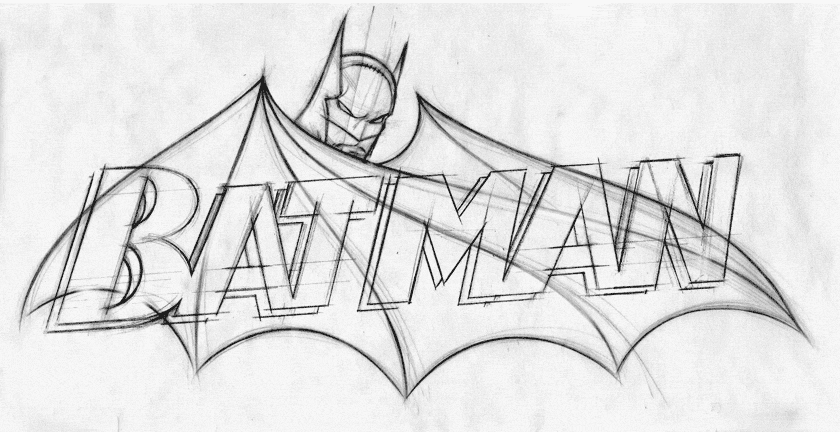
Also, clients like regular communication.They will be happy to see that at least his work has been started and will expect to complete the project in near future.
STEP – 3 Collection of Design Resources
Remember that you are an artist. And any artist has its tools, brushes, colors etc ready for design.Similarly you should keep your design resources ready. So, what are these resources? The main resources are vector images, clip-arts, Images, fonts, abstract background images, buttons, Icons etc.
STEP – 4 Collect Example of Similar Websites
I have already mentioned in part-1 that you should ask the client if he/she has any urls which he wants his website be like that. If he does not give, you should collect few urls to get an idea.
STEP – 5 Understanding Latest Website Design Trend
With the change of time the design of websites also keep changing. There was a time when we used to design website of 800 x 678 resolutions. Then came 1024 fixed in the center design. And current trend is full-width responsive website design.
STEP – 6 Collect Images
Graphic and images are important component in any website. Image increases beauty of the website. And if you place suitable image to the project, it will increase more sense and beauty of the design.
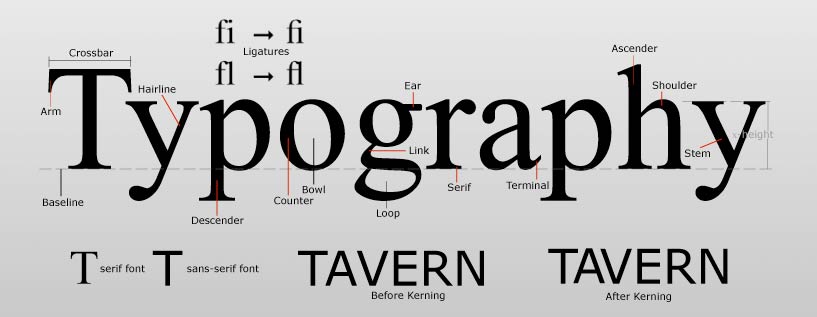
STEP – 7 Collect Fonts
- Creative Market
- Behance
- HypeForType
- Artimasa
- The Northern Block
- Fontcab
- Free Font Manifesto
- Fontellium
- Fonstruct
- Adobe Edge Web Fonts
- 1001 Free Fonts
- Abstract fonts
- Jeff Schreiber
- Artill
- FontFabric
STEP – 8 Deciding Color Combination
While designing a website, color combination plays great role. Without a good color combination, you cannot imagine to design and eye-catching website.
STEP – 9 Collecting Icons
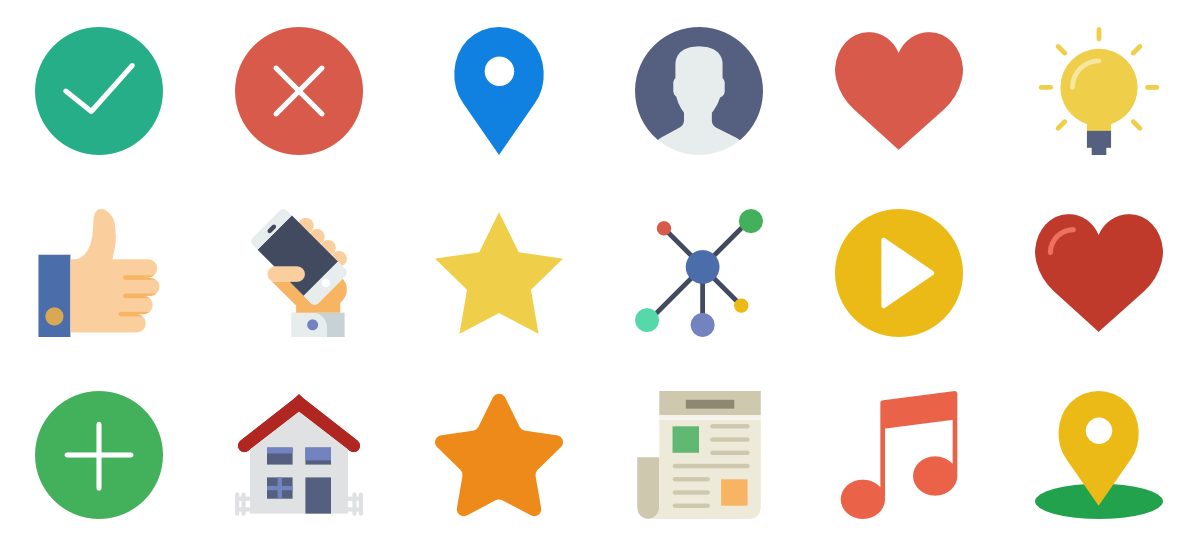
While designing the website, you will also require to put icons to make your design more eye-catching.
- http://fontawesome.io/icons/ – This is one of the most popular website from where you can download CSS and include the icons. All icons are in the form of fonts. So, its easy to integrate as well as its size also is very less.
- https://www.iconfinder.com/search/?q=list – This is also one of the very good websites from where you can download icons in the form of png or jpg
- http://www.flaticon.com/free-icons/list_20077 – This is also one of the website where you can download icons.
- http://glyphicons.com/ – This normally comes with Bootsrap. There are a lot of icons in this which can be used for free.
STEP – 10 Collecting Graphics
Rather than designing each graphic yourself, you can find a lot of free graphic on the website. You can download and use free in your website. That will help you in saving your time.
STEP – 11 Make 2-3 Versions of Website Layouts and Check
Before finally sending the design to the client, you should make at least 2-3 versions of the website mockup so that your client will have better choice to select the proper design. Also, this way there is less chance of after design modification.